Instructions on posting a job in the VAGP Members-Only Career Center
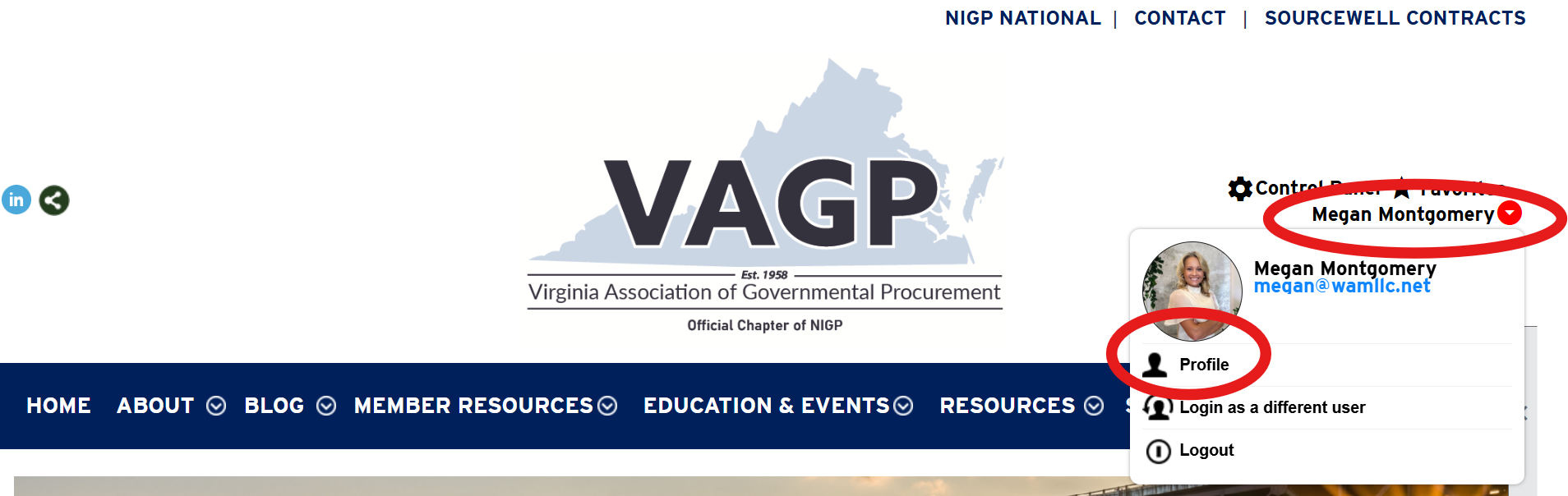
Step 1: Log in to your member profile. Click on your name in the top right corner and then click "Profile"
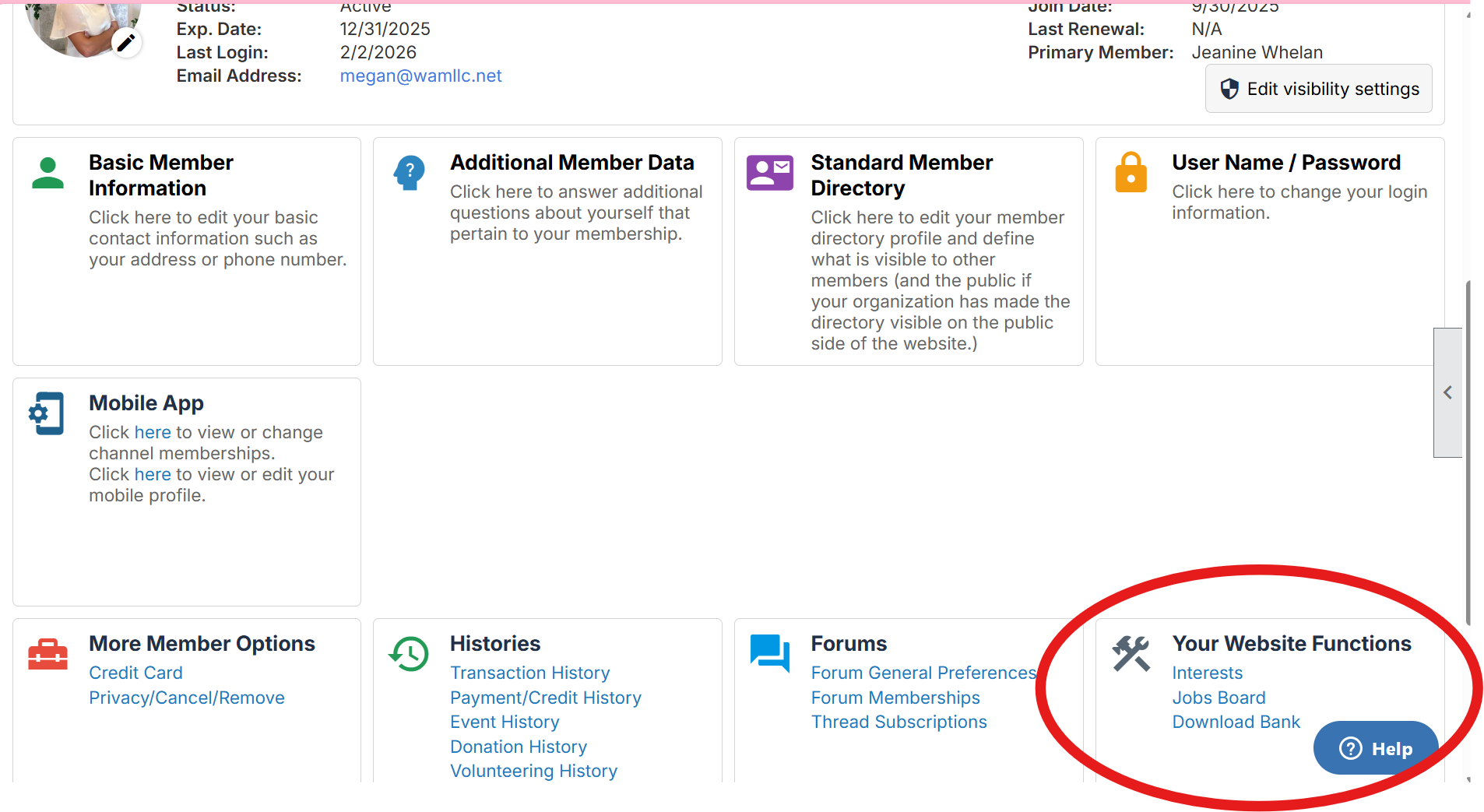
Step 2: Once inside your member profile, you will see all the features of your member profile. Locate the box "Your Website Functions" and click on "Jobs Board"
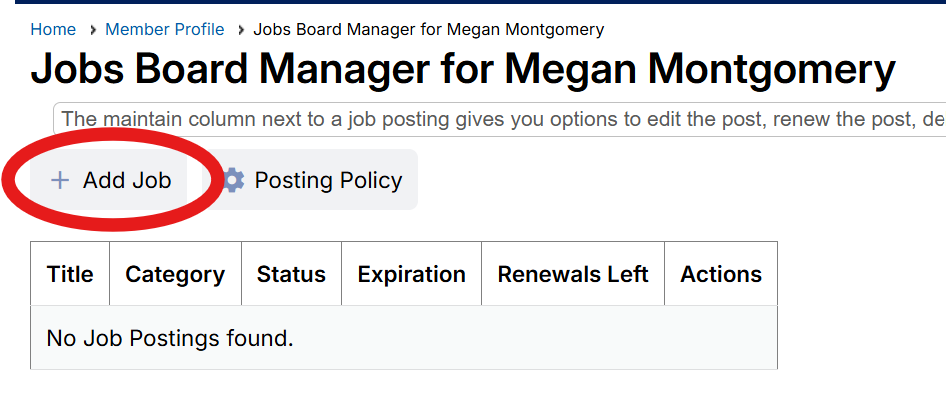
Step 3: On the next page, click "Add Job" and craft your job posting.
For more detailed instructions on creating/editing your job post, Click Here.